To spot an AI-generated image, start with where it came from, then look for visual clues such as warped text, odd hands, mismatched shadows and backgrounds that melt into nonsense, and finally check for hidden labels like Content Credentials or Google's SynthID watermark. No single check is proof, so combine several. The ten tips below show you how, for both images and videos.
AI images and deepfakes have become very realistic, and many of the old giveaways, such as six fingers, are rarer now. The good news is that a careful, step-by-step check still catches most fakes, especially the ones that spread in news feeds and group chats.
1. Pause before you share
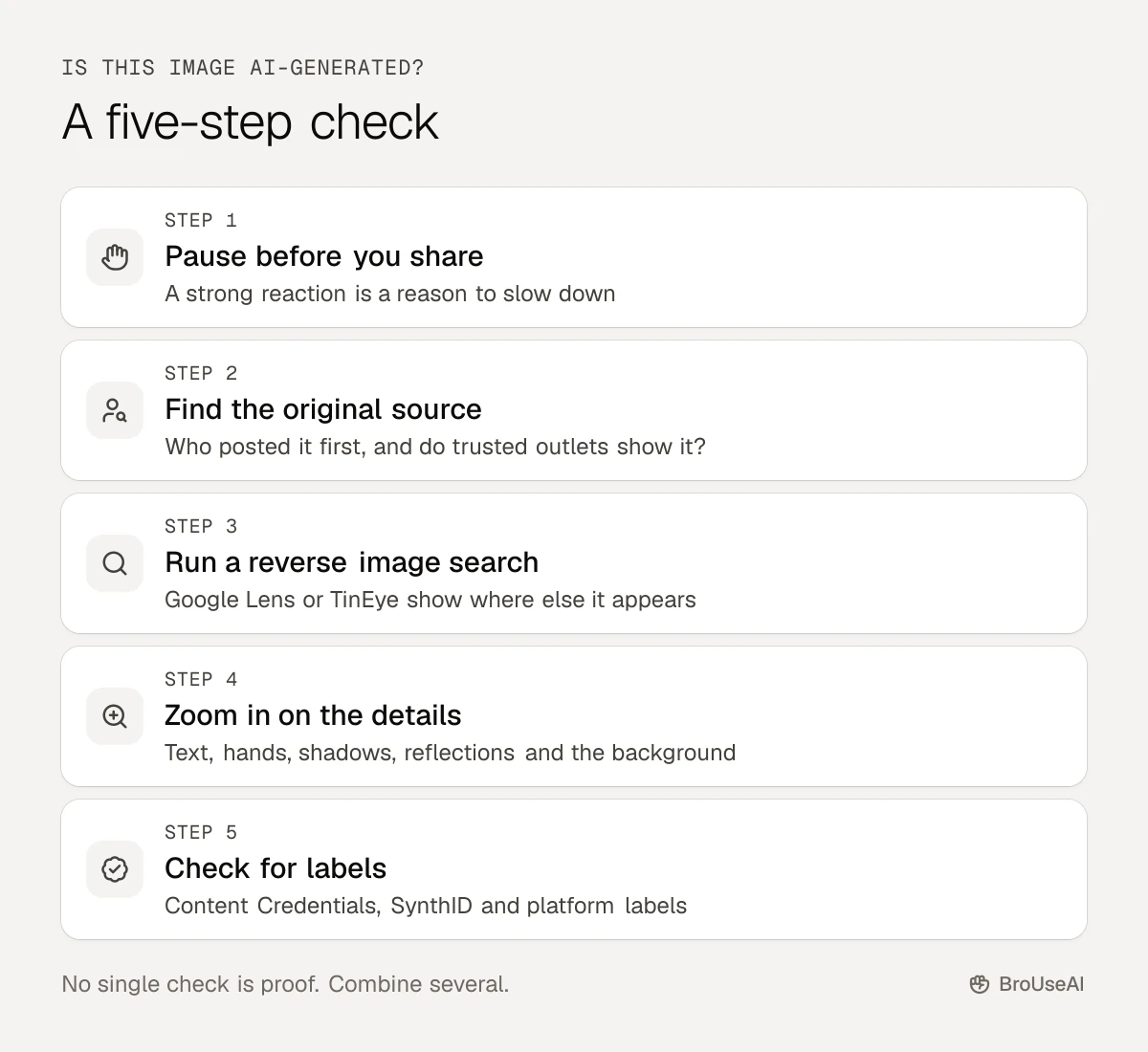
Fakes spread because they make people feel something: shock, anger, joy. If an image seems too perfect, too outrageous or too convenient for one side of an argument, slow down. Ask yourself who benefits if you believe it. This one habit stops more fakes than any tool.
2. Find the original source
Look for who first posted it.
- Is it from a named photographer, news agency or official account, or from an anonymous page?
- Do trusted news sites show the same image, from the same event?
- Does the caption give a time and place you can check?
Real news photos usually come with a credit line and appear in several reliable places. A dramatic image that only exists on one viral account is a red flag.
3. Do a reverse image search
Upload the image or paste its link into Google Lens or TinEye. This shows where else it appears online and when it first did. You may find the original photo it was edited from, an older event it really comes from, or fact-checkers who have already looked at it.
4. Look closely at hands, faces and text
Zoom in. AI image generators still slip up on small details:
- Text: signs, labels, books and T-shirts with garbled or nonsense letters
- Hands and teeth: extra or fused fingers, too many teeth, rings that melt into skin
- Eyes and ears: mismatched earrings, irises of different shapes, glasses that don't line up
- Hair and edges: strands that blend into the background, blurry outlines around a person
- Skin: a smooth, airbrushed, almost plastic look
5. Check light, shadows and reflections
Real light follows physics. Check that shadows fall in the same direction, that reflections in windows, mirrors and eyes match the scene, and that the light on a person matches the light around them. AI images often get each part looking right on its own but wrong together.
6. Scan the background
Generators focus on the main subject and get lazy at the edges. Look for buildings with impossible shapes, repeating patterns, people in a crowd with blurred or duplicated faces, objects that merge into each other and lines (fences, railings, tiles) that bend or break for no reason.
7. For videos, watch the face and listen to the voice
Deepfake videos have their own tells:
- Lips that don't quite match the words, especially on sounds like "p", "b" and "m"
- Odd blinking, a fixed stare or a face that looks "pasted on" when the head turns
- Flickering around the hairline, glasses or jaw
- A voice that sounds flat, too clean or oddly paced, or breathing that doesn't fit the speech
- Hands or objects passing through each other
The MIT Media Lab's Detect Fakes project is a good way to practise spotting these signs.
8. Check for Content Credentials and watermarks
More and more AI tools label what they make:
- Content Credentials (C2PA) are tamper-evident labels that record where a file came from and how it was edited, including whether AI was used. Upload a file to the free Content Credentials verify tool to read them.
- SynthID is Google's invisible watermark for images, video and audio made with its AI. In the Gemini app, upload a file and ask "Is this AI-generated?" to check it. Read more about AI watermarking.
Know the limits. Gemini can only recognise content made with Google's own AI tools, and Google itself says that no detection doesn't mean a file is human-made. Labels can also be stripped by screenshots, re-uploads and editing, so a missing label proves nothing either way.
9. Use AI detectors carefully
AI content detectors for images, such as WasItAI, give a score for how likely an image is AI-made. They can help, but they also get it wrong in both directions, especially with compressed, cropped or edited images. Treat a detector's result as one clue, never a verdict, and be careful about automation bias: trusting a tool's answer just because a tool gave it. Compare options in the AI content detector category.
10. Look for platform labels and context
Social platforms add labels such as "AI info" or "Altered or synthetic content" when a creator discloses AI use or the platform detects a label. YouTube, for example, asks creators to disclose realistic synthetic content. A label is a helpful signal, but many AI images carry none, so keep checking the source and the details.
What to do if you find a deepfake
- Don't share it, even to debunk it. Sharing spreads it further. Share a fact-check link instead.
- Report it to the platform using its tools for fake or manipulated media.
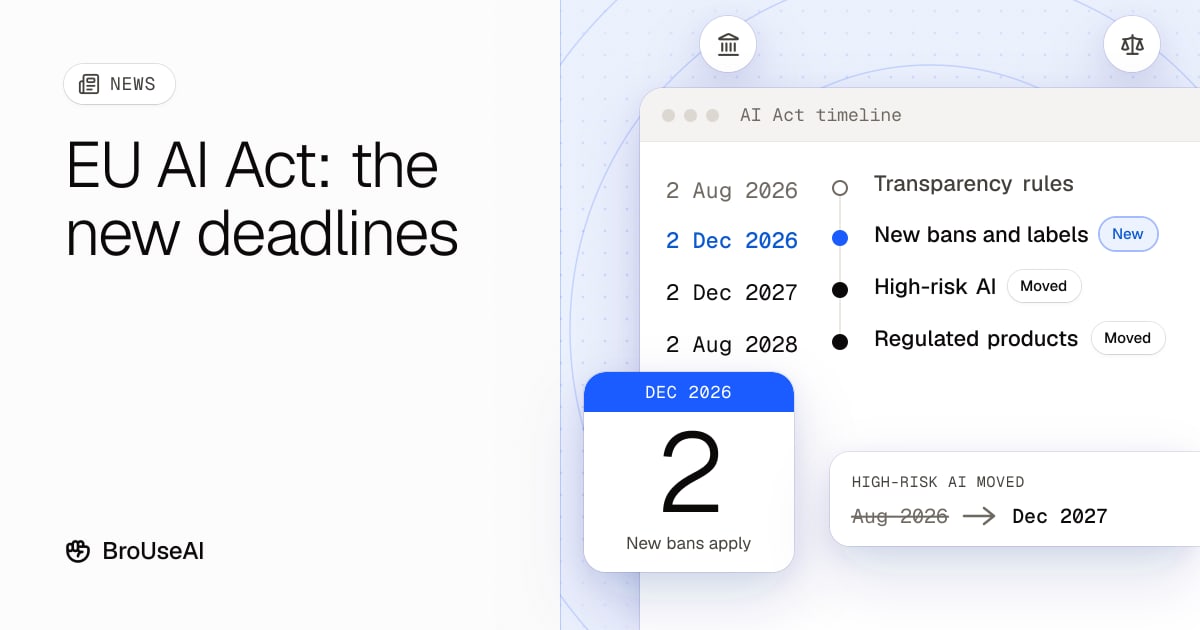
- If it shows you or someone you know, save the link and screenshots as evidence, report it, and look for legal help. In the US, the TAKE IT DOWN Act requires platforms to remove non-consensual intimate images, including AI-made ones, within 48 hours of a valid request. In the EU, AI systems that make non-consensual intimate images are banned from 2 December 2026 under the AI Act; read our explainer on the EU AI Act's new deadlines.
The bottom line
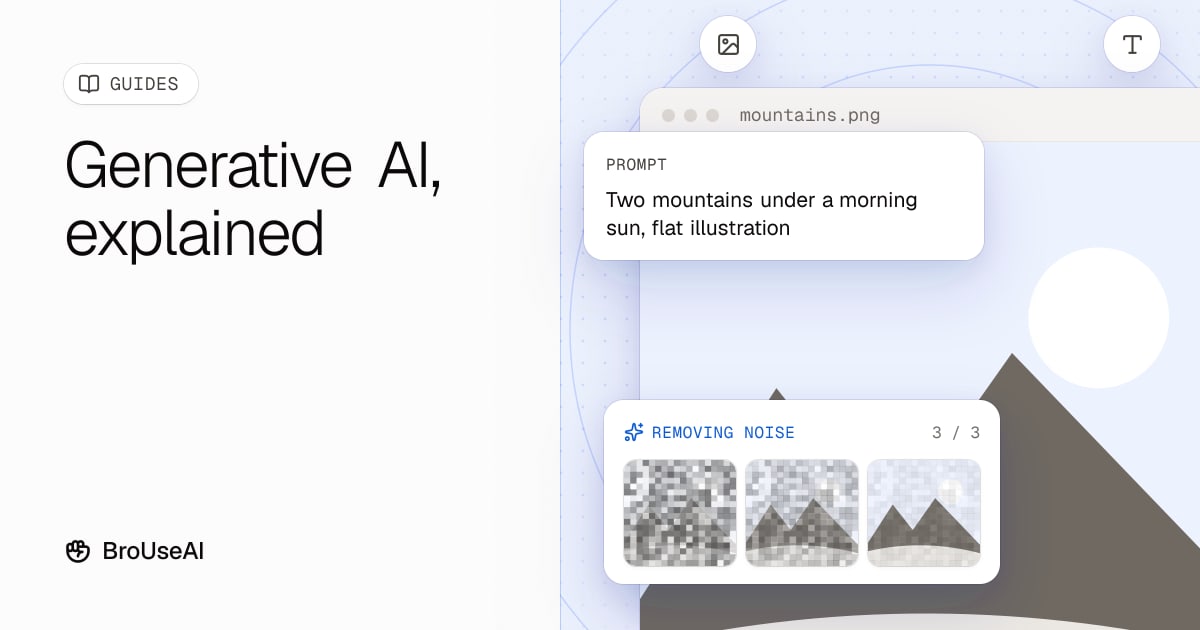
Spotting AI images takes a routine, not a single trick: pause, trace the source, run a reverse image search, zoom in on the details, then check for Content Credentials or a SynthID watermark. Detectors and labels help, but none is proof on its own. The more you know about how generative AI works, the easier its mistakes are to see, which is part of AI literacy.
Frequently asked questions
How can I tell if a photo is AI-generated?
Check who posted it first and run a reverse image search. Then zoom in on text, hands, teeth, jewellery, shadows and the background for mistakes, and check for Content Credentials or a SynthID watermark. If several signs point the same way, treat it as likely AI.
Can Google tell me if an image is AI?
Partly. In the Gemini app you can upload an image and ask if it is AI-generated. Gemini checks for SynthID, which only marks content made with Google's AI tools, and it can read Content Credentials where supported. A "no" doesn't prove the image is real.
Are AI image detectors accurate?
Not reliably. They can be useful as one clue, but they produce false positives and false negatives, especially on compressed or edited images. Always combine them with source checks and a close look.
What is the difference between a deepfake and an AI image?
An AI image is any picture made by AI. A deepfake is AI-made or AI-edited media that makes a real person appear to say or do something they didn't, usually to deceive.
Sources
- Google Gemini Help, Verify AI-generated images, videos and audio
- Google, How we're bringing AI image verification to the Gemini app
- Coalition for Content Provenance and Authenticity, C2PA
- Content Authenticity Initiative, Content Credentials verify tool
- MIT Media Lab, Detect Fakes
- US Congress, TAKE IT DOWN Act (S.146)