
Adobe Firefly Background Remover
AI tool that removes photo backgrounds and outputs a transparent PNG — free to use.
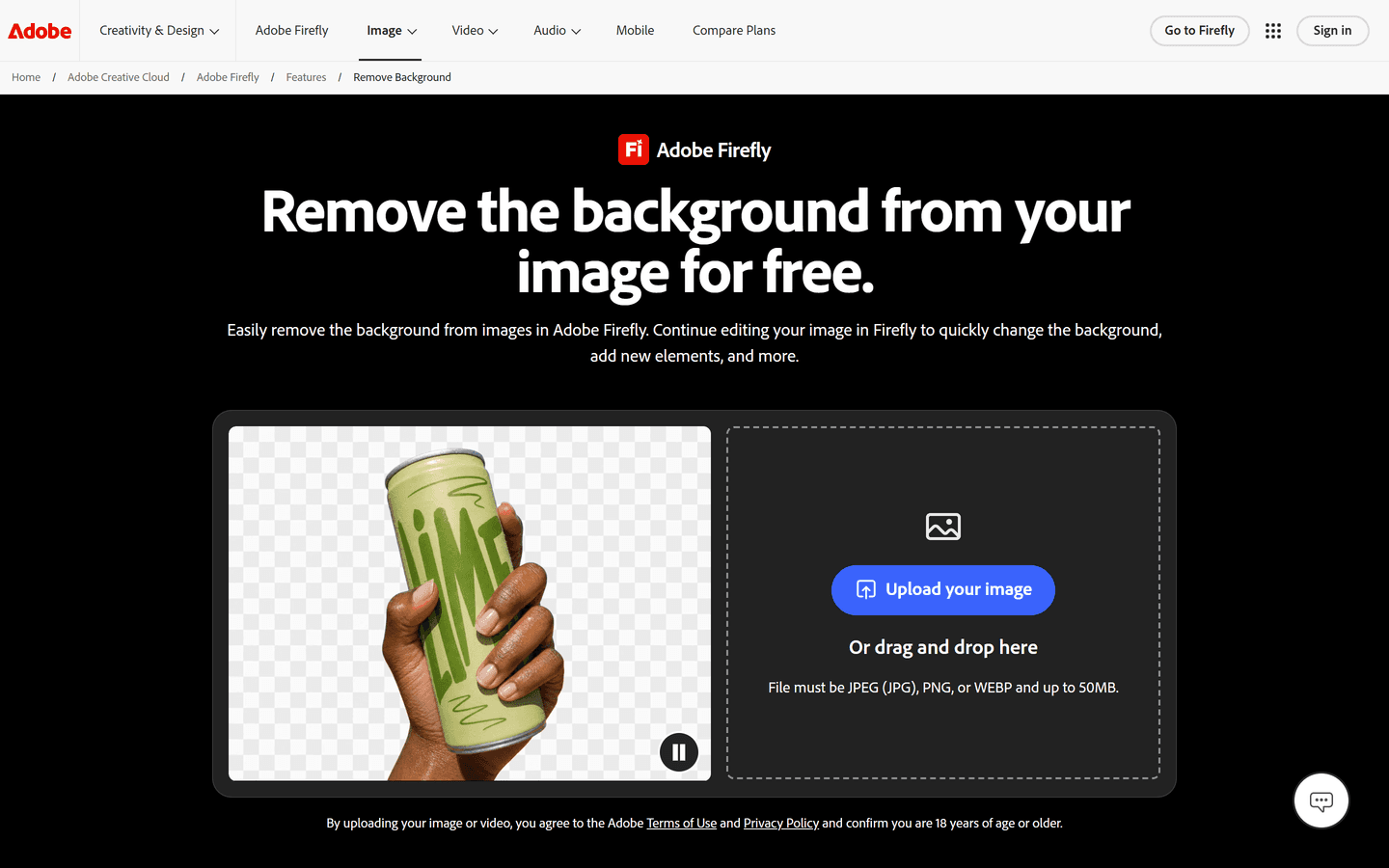
Overview
Adobe Firefly Background Remover cuts the background out of a photo using AI, no design software required. Drop in a JPEG, PNG or WEBP, and it returns a transparent PNG with the subject isolated, keeping fine edges like hair and fur intact. Fits e-commerce photos, portraits, and social graphics.
Price: Free
Firefly is free with daily limits. Plans: Standard $9.99/mo (2,000 credits), Pro $19.99/mo (4,000 credits), Pro Plus $49.99/mo, Premium $199.99/mo (50,000 credits). Team plans available.
Core Features
AI-powered automatic background detection and removal
One-click AI background removal with no manual selecting or masking
Automatic edge detection that preserves hair, fur, transparent objects and product outlines
Transparent PNG downloads from the Remove Background tool, ready to layer into any design
Accepts JPEG and PNG uploads
Background Generator to replace the background with a text-prompted scene or a solid color
Bulk background removal and replacement available on plans that include premium generative AI features
Generative Fill, image upscaling and canvas expansion in the same workspace
Use Cases
Cleaning up e-commerce product photos and placing them on studio or lifestyle backdrops
Making YouTube thumbnails with cutouts of yourself
Preparing headshots and portraits for LinkedIn and other profiles
Creating social media posts and marketing assets
Building flyers, posters and infographics in Adobe Express
Making transparent PNGs for presentations and layered designs
Turning subjects into stickers
Pros & Cons
Pros
- Fast one-click background removal
- Preserves hair and fine texture details
- Outputs transparent PNGs for immediate use
- Browser and mobile access for flexible workflows
- Integrates with Background Generator and Generative Fill
- Supports common image formats up to 50MB
- Batch processing available for enterprise users
- Free access with an Adobe account
- Seamless export to Adobe Express and Creative Cloud
- Reliable cutouts for product photography
Cons
- Free tier has daily limits on generations
- Advanced batch features require paid plan
- Processing quality depends on image resolution
- Web-based upload may be slow on weak connections
- Some niche backgrounds may need manual touch-up
- Requires Adobe account to access free tool
- Enterprise integration may need technical setup
FAQs
Video Review
Adobe Firefly Background Remover Alternatives

Fotor
Online photo editor for everyone

Clipdrop
Create Stunning Visuals in Seconds

Magic Studio
Make beautiful images with AI

Kittl AI
Transform Your Design Process

Pebblely
Beautiful product photos in seconds

Pixelcut
Free AI Photo Editor

Wondershare AI
Wondershare AI Creativity Ahead

Dzine AI
Controllable AI image and design studio

AIEasyPic
Simplifying AI Image Generation
Featured

WasItAI
Detect whether an image was AI-generated or camera-captured.

RemoveAILabel
Remove AI labels and watermark traces from images and videos

Answer Engine Optimization
See how AI answer engines mention and cite your website.
Adobe Firefly Background Remover
AI tool that removes photo backgrounds and outputs a transparent PNG — free to use.

AI Overviews Tracker
Track website mentions and citations across six AI engines

CommentWatchDog
Hide and delete spam comments on Facebook and Instagram ads

C2PA Remover
Check and remove C2PA content credentials

AI Image Humanizer
Humanize AI-generated images while preserving their visible appearance

Referent
AI legal agents for law firm operations

Token360
One API for 80+ frontier AI models across text, image, audio and video.

Claude Mark Remover
Remove hidden Claude marks and humanize AI-generated text.