
Wondershare Filmora
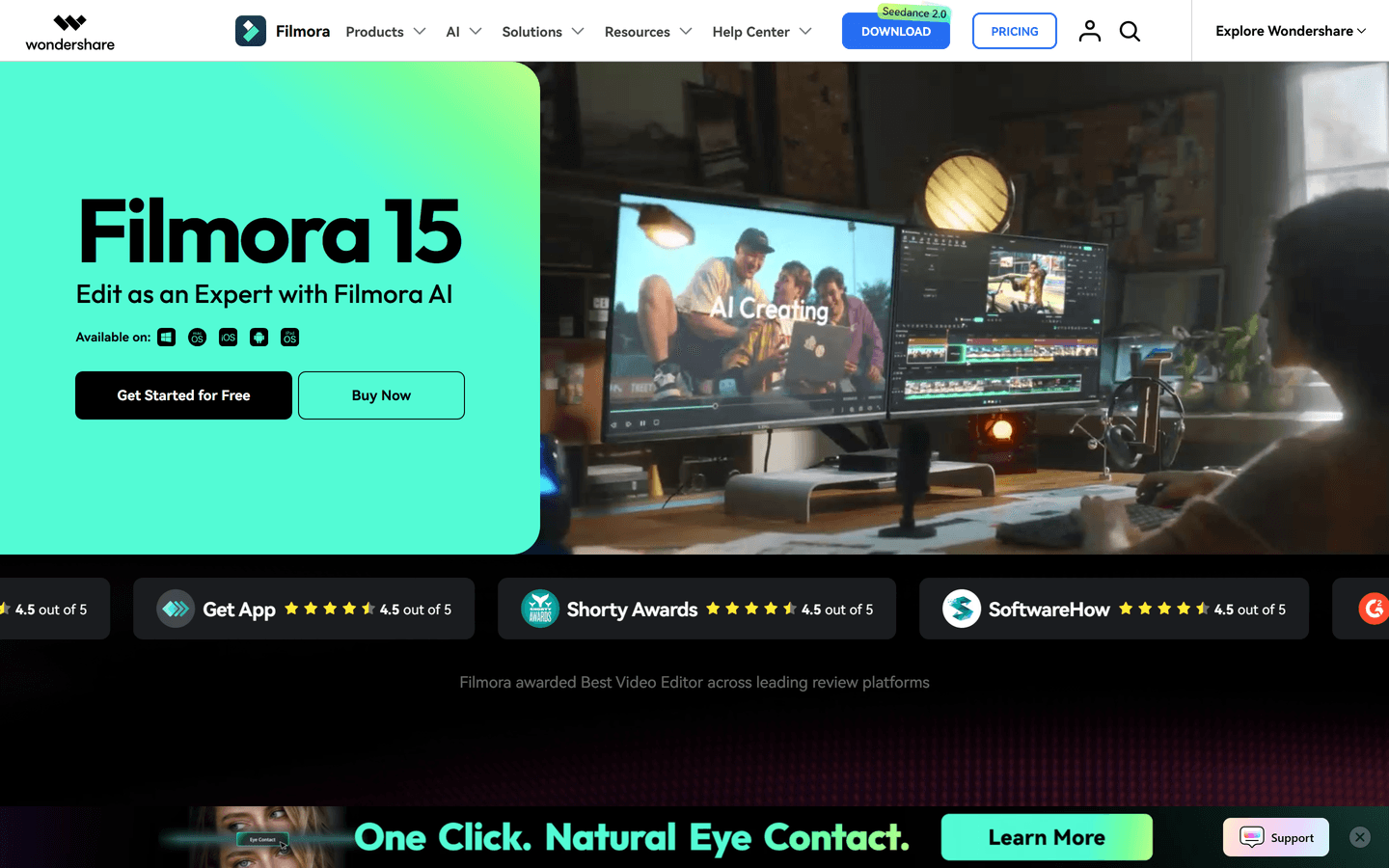
Edit as an Expert with Filmora AI
Overview
Filmora is an AI-powered video editing platform for creators, marketers, educators, and businesses. It combines traditional video editing with advanced AI tools such as AI Video Generator, Text-to-Video, Image-to-Video, AI Extend, Smart Short Clips, Auto Captions, Audio Enhancement, and AI Voice Generation.
Designed for speed and simplicity, Filmora helps users turn ideas, scripts, images, or raw footage into professional videos in minutes. Available on desktop and mobile, it offers built-in templates, stock media, effects, and creative resources for social media content, marketing videos, tutorials, and YouTube production.
Core Features
Content Generation
Text-to-Video — Transform scripts or creative ideas into complete, publication-ready videos with visuals, AI voiceovers, subtitles, and effects using the Veo 3.1 model.
AI Image to Prompt — Upload an image and instantly generate precise prompt descriptions, perfect for guiding AI video generation or providing creative direction.
AI Image Generation — Leverage multiple state-of-the-art models including Seedance 2.0, Nano Banana Pro, Nano Banana 2, and ChatGPT Image 2 to create stunning custom visuals.
Image to Video — Convert static images into dynamic video narratives with synchronized visuals, powered by Seedance 2.0 and Veo 3.1.
Audio to Video — Turn audio files into engaging videos with automatically generated and synced visuals and smart templates.
AI Video Extender — Intelligently lengthen footage by adding contextual scenes or smoother transitions using advanced AI generation.
AI Enhancement & Post-Production
AI Video/Image Enhancer — Automatically upscale, denoise, and sharpen video and image quality using advanced AI algorithms. Enhance resolution, reduce compression artifacts, and improve overall visual clarity without manual intervention.
Separate Audio from Video — Intelligently isolate dialogue, music, sound effects, and background noise from video footage. Perfect for remixing audio, creating voiceover-ready content, or extracting clean audio tracks for podcasts and music production.
3D LUTs (Look-Up Tables) — Apply cinematic color grading with professional 3D LUT presets. Choose from hundreds of industry-standard color profiles or create custom LUTs for consistent, film-quality color grading across projects.
Automated Editing
Smart Clip Generator — Automatically identify key dialogue and actions, then intelligently trim long recordings into short, social-media-optimized clips.
Automated Editing Tools — Features include auto color grading, background cleanup, intelligent subtitle generation, object removal, and smart reframing.
Voice Tools Suite — AI voice cloning, voice enhancement, lip-sync synchronization, and auto-translated multilingual voiceovers for global creators.
AI Script Assistant — Generate scripts, video titles, video descriptions, and captions using built-in ChatGPT-level intelligence.
Professional Control
Pen Tool & Keyframing — For advanced creators, precision keyframing and masking tools allow custom motion paths, shape animations, and frame-by-frame control.
Dual Timeline Editing — Work across multiple video tracks simultaneously for complex editing workflows with enhanced efficiency.
Use Cases
Social Media Content Creation — Generate TikTok, Instagram Reels, and YouTube Shorts in seconds with auto-optimized dimensions and formats.
YouTube Video Production — From script to final edit, handle everything from text-to-video generation to auto-clipping and AI narration, cutting production time dramatically.
Marketing & Promotional Videos — Quickly create product demos, event promotions, and brand announcements with support for multi-language versions.
Faceless Video Creation — Produce complete video stories using AI-generated visuals and voiceovers—ideal for tutorials, educational content, and knowledge-sharing.
International Content — Leverage AI multilingual voiceovers and auto-translated captions to reach global audiences without additional production costs.
Educational & eLearning — Transform lecture notes, audio recordings, or presentations into dynamic, subtitle-enhanced educational videos.
E-commerce & Live Streaming — Rapidly produce product showcase videos and live-stream assets with one-click publishing to multiple platforms.
B2B & Corporate Videos — Create polished explainer videos, company announcements, and training materials without hiring a production team.
Pros & Cons
Pros
- Intuitive timeline for fast editing
- Broad AI toolset accelerates repetitive tasks
- Extensive template and asset library
- Cross-platform support: desktop and mobile
- GPU acceleration and Metal rendering support
- Dual-timeline for precise source comparison
- Easy export presets for social platforms
- Built-in speech-to-text and auto captions
- Flexible subscription and perpetual options
- Strong documentation and tutorial resources
Cons
- Free version exports include a watermark
- Some AI features use paid AI credits
- Perpetual license limited to one OS
- Advanced effects need a learning curve
- Cloud sync storage tiered by plan
FAQs
Video Review
Wondershare Filmora Alternatives

Wonder Studio
AI-Powered CG Animation Online - Revolutionize VFX with Wonder Studio

VEED.IO
AI Video Editor - Fast, Online, Free

Maverick
Boost ecommerce LTV with generative AI video marketing

Invideo
Create publish-worthy videos on day one

Genjutsu
Transform one video into endless variations with AI.

Vmake
AI Social Video Studio

Diffutoon
Free Online Diffutoon

Captions
Your AI-powered creative studio

Runway
Tools for human imagination

CapCut
Free all-in-one video editor

Lumen5
Video Maker | Create Videos Online in Minutes

Luma AI
Dream Machine

HeyGen
AI-powered video creations at scale

Podcastle
Podcasting made easy

Pika
Idea-to-video platform that brings your creativity to motion

SendShort
Create viral shorts instantly with SendShort

Descript
All-in-one video & podcast editing, easy as a doc.

Wan AI
Generate cinematic videos from text, image, and speech

Movavi
AI-powered video editing tool

AiFaceSwap
AiFaceswapMe is an AI-driven app that lets users create fun face swap videos effortlessly.

Pictory
Easy Video Creation for Content Marketers

Vidnoz AI
Free AI Video Generator

Unscreen
Remove Video Background

vidyo.ai
Make Short Clips From Long Videos

Synthesia
Turn text to video in minutes

Magic Hour
Create engaging videos using AI

Rask AI
Translate video & audio Unlock Worldwide Potential with AI

Wondershare AI
Wondershare AI Creativity Ahead

Fliki
Turn text into videos with AI voices

Video Background Remover
AI Design

FlexClip
Easily create and edit videos for the brand, marketing, social media, family, and any other purpose.

Creatify
A short video ad generation tool

Crayo
The fastest way to create shorts videos

Kling AI
Next-Generation AI Creative Studio

Submagic
Create viral shorts in seconds with AI

Morphic
Morphic is transforming the future of storytelling with innovative technologies.

Sora 2
Transform Ideas into Stunning Videos with Sora 2

Cinematic
Automatically generate short-form videos to grow your business with AI

Cynagon
Cynagon is the ultimate tool for creating viral and engaging short-form videos.
Featured

CommentWatchDog
Hide and delete spam comments on Facebook and Instagram ads

AI Overviews Tracker
Track website mentions and citations across six AI engines
Genjutsu
Transform one video into endless variations with AI.

Answer Engine Optimization
See how AI answer engines mention and cite your website.

Claude Mark Remover
Remove hidden Claude marks and humanize AI-generated text.

Adobe Firefly Background Remover
AI tool that removes photo backgrounds and outputs a transparent PNG — free to use.

Token360
One API for 80+ frontier AI models across text, image, audio and video.

SeedRouter
Access image, video, and language models via one API without monthly subscriptions

WasItAI
Detect whether an image was AI-generated or camera-captured.

AI Image Humanizer
Humanize AI-generated images while preserving their visible appearance

C2PA Remover
Check and remove C2PA content credentials