
Glasp
Collect and Share Your Favorite Words
Overview
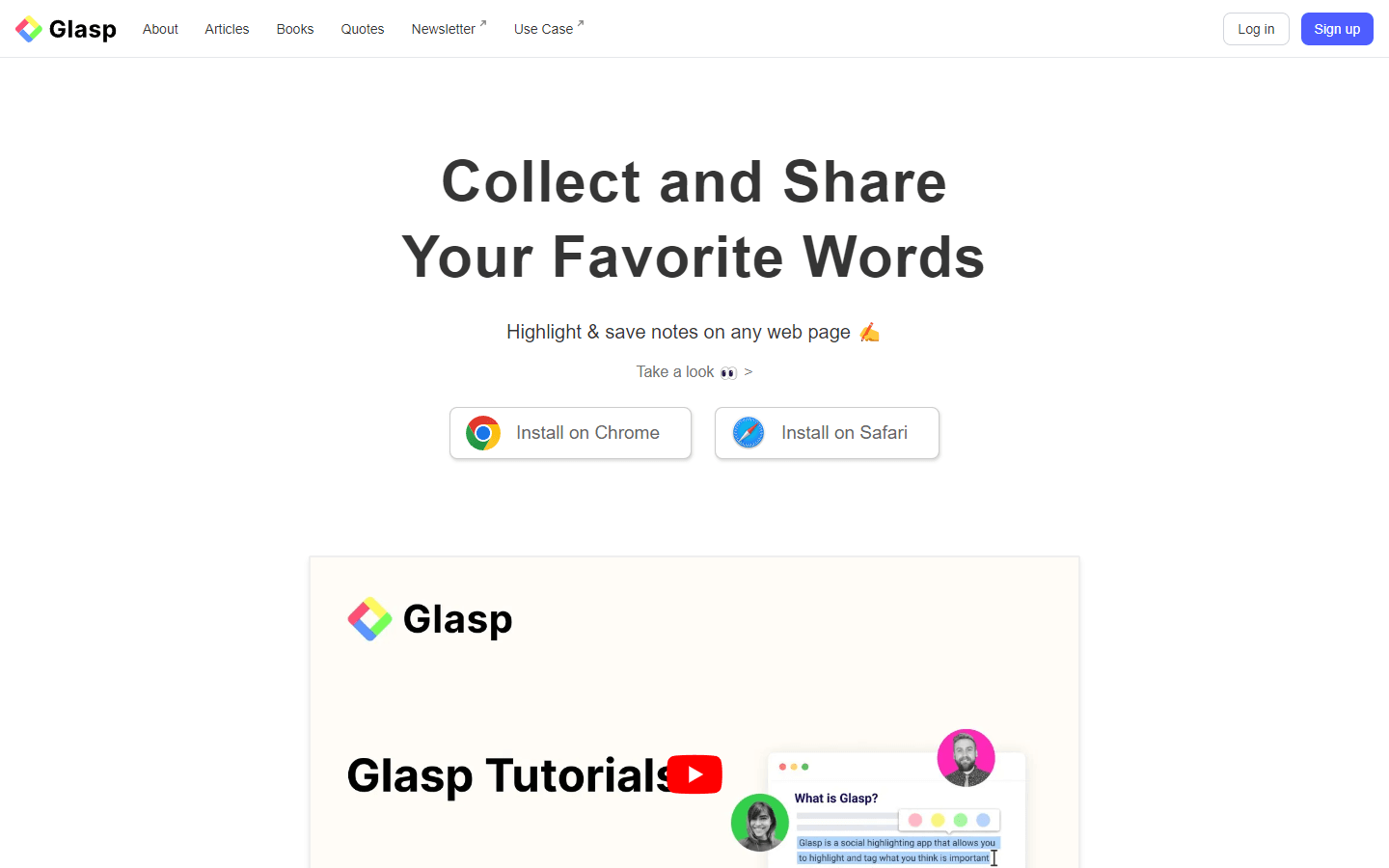
Glasp is a web and PDF highlighter designed specifically for researchers and learners. It empowers users to highlight and preserve notes on any webpage they encounter. Additionally, Glasp facilitates copying and exporting highlights and notes, granting users flexibility in managing their collected information.
Furthermore, Glasp seamlessly integrates with note-taking applications such as Readwise, enabling users to effortlessly transfer their highlights into their preferred note-taking platform. This integration fosters a streamlined workflow, eliminating the need for manual data transfer between applications.
Glasp extends its functionality beyond highlighting and note-taking by incorporating a social element. Users have the ability to follow other users and gain insights into the content they are highlighting. This fosters a collaborative learning environment where individuals can discover new content and perspectives through the reading lists of others.
Overall, Glasp appears to be a valuable tool for researchers and learners seeking to streamline their web browsing and note-taking experiences. Its ability to highlight, annotate, and integrate with existing note-taking applications, coupled with its social features, positions Glasp as a comprehensive solution for managing and sharing online learning materials.
Core Features
Highlight and take notes on webpages and PDFs
Copy and export highlights and notes
Integrate with other note-taking apps, including Readwise
Share highlights and notes with others
See what others are highlighting
Use Cases
Student Research: A student researching a topic can highlight key points and quotes from academic papers and articles, taking notes alongside them for deeper understanding and easy reference later.
Content Curation: A marketer can use Glasp to curate interesting articles and social media posts from various sources, highlighting key takeaways and insights to build an organized library of inspiration.
Learning a New Skill: While learning a new language or skill online, Glasp allows users to highlight important vocabulary, concepts, and step-by-step instructions, ensuring vital information is easily reviewed and retained.
Book Club Discussion: Book club members can utilize Glasp to highlight key passages, plot points, and character motivations during individual reading, and then share and discuss their annotations during the meeting for a richer group experience.
Exam Preparation: Students preparing for exams can use Glasp on their study materials like textbooks, lecture notes, and online resources, highlighting important concepts and formulas for efficient revision.
Foreign Language Learning: Language learners can highlight unfamiliar vocabulary and phrases on websites and articles, adding notes to create personal flashcards for easy review and vocabulary building.
Competitor Analysis: Businesses can employ Glasp to analyze competitor websites, highlighting their marketing strategies, product features, and customer reviews to gain valuable insights for their own strategies.
Travel Planning: While researching travel destinations, users can utilize Glasp to highlight must-see attractions, recommended restaurants, and insider tips on websites and blogs, creating a personalized travel itinerary.
Following Industry Experts: Professionals can follow thought leaders in their field on Glasp, gaining insights from the content they highlight and share, staying updated on industry trends and developments.
Creating Online Tutorials: Educators can create online tutorials by highlighting key steps and explanations in software applications or coding tutorials, then sharing their annotated screenshots with students for a more interactive learning experience.
Pros & Cons
Pros
Highlight and annotate webpages and PDFs
Organize and export highlights and notes
Integrate with other note-taking apps
Share highlights and notes with others
Discover new content through following others' highlights
Cons
May require a paid subscription for full features
Limited editing capabilities for notes
Reliant on internet connection for some features
Potentially distracting social features for some users
Privacy concerns when sharing highlights publicly
FAQs
Video Review
Glasp Alternatives

Saga
Connected notes, tasks, and tools. For you and your team.

Taskade
AI-Powered Productivity. A Second Brain for Teams

Krips
Your AI-powered assistant for meetings and calls

Fireflies.ai
Automate your meeting notes

Bluedot
AI-powered Chrome extension for Google Meet
Featured

AI Image Humanizer
Humanize AI-generated images while preserving their visible appearance

Wondershare Dr.Fone
Your One-Stop Complete Mobile Solution

C2PA Remover
Check and remove C2PA content credentials

Referent
AI legal agents for law firm operations

CommentWatchDog
Hide and delete spam comments on Facebook and Instagram ads

Answer Engine Optimization
See how AI answer engines mention and cite your website.

RemoveAILabel
Remove AI labels and watermark traces from images and videos

Token360
One API for 80+ frontier AI models across text, image, audio and video.

WasItAI
Detect whether an image was AI-generated or camera-captured.

Claude Mark Remover
Remove hidden Claude marks and humanize AI-generated text.