
PixVerse
Create breath-taking videos with AI
Freemiumpixverse.aiAdded 13 Feb 2024
Create breath-taking videos with AI
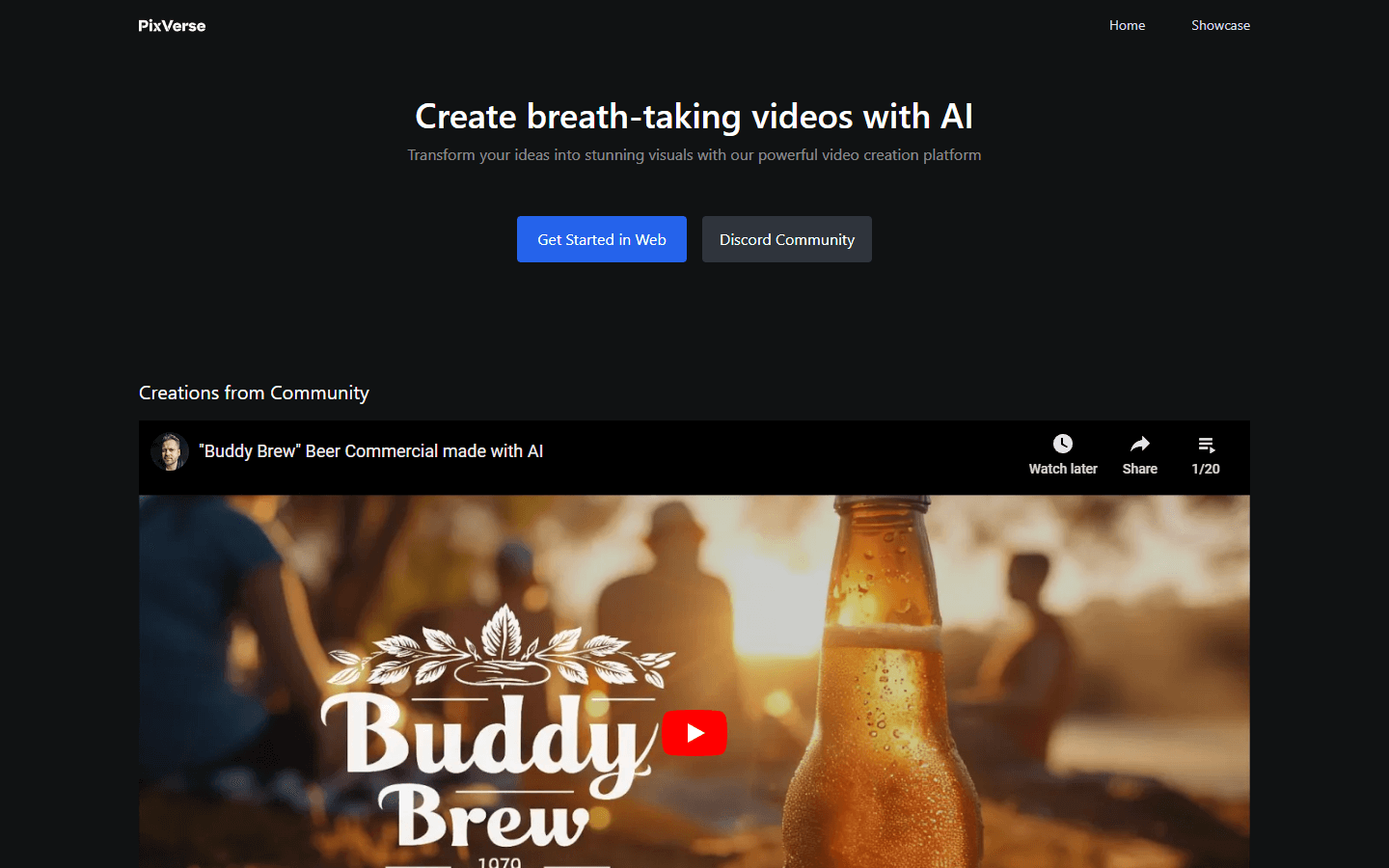
PixVerse is a video creation platform that uses artificial intelligence (AI) to transform ideas into stunning visuals. It allows users to create videos in a variety of styles, including anime, cinematic, and hyper-realistic. Additionally, it can be used to create videos of different scenes, such as underwater, forests, and cities.
The platform works by allowing users to input text, images, or even just a few keywords, and then PixVerse's AI will generate a video based on their input. Users can also customize their videos by adding music, sound effects, and text overlays.
PixVerse is a powerful tool that can be used by anyone to create professional-looking videos. It is easy to use and does not require any prior video editing experience. Whether you are a marketer, a filmmaker, or just someone who wants to create unique videos, PixVerse is a great option.
In addition to the features mentioned above, PixVerse also offers a number of other benefits, such as:
A large library of pre-made templates that can be used to get started quickly
The ability to collaborate with other users on projects
A variety of pricing plans to fit different budgets
If you are looking for a video creation platform that is easy to use, powerful, and affordable, then PixVerse is a great option.
Text-to-Video Conversion: Transform your creative ideas into dynamic videos with just a text prompt.
Multilingual Prompt Support: Whether you speak English, Spanish, Mandarin, or any other language, PixVerse can interpret your prompts.
Quick Generation Time: Experience rapid video generation, typically completed within 1-2 minutes.
Custom Seed for Unique Outputs: Each video is generated with a unique, random seed, ensuring that every creation is one-of-a-kind.
Fixed Resolution Output: Currently, PixVerse outputs videos in 1080p resolution.
Marketing & Advertising: Generate product demos, explainer videos, social media ads, and captivating teasers using text descriptions and brand elements.
Education & Training: Craft engaging educational videos, illustrate complex concepts, and create personalized learning materials based on student needs.
Social Media Content: Produce eye-catching stories, reels, and video posts on various platforms by feeding PixVerse text prompts and relevant keywords.
Event Previews & Promotion: Generate stunning teasers for upcoming events, conferences, or product launches, capturing the essence with text descriptions and desired visuals.
Music Video Creation: Bring song lyrics to life with captivating visuals generated by PixVerse based on the mood, theme, and style of the music.
Personalized Storytelling: Create unique and memorable stories for individuals or special occasions by feeding PixVerse personal details, memories, and desired themes.
Concept Art & Prototyping: Visualize initial ideas for design projects, products, or creative endeavors by describing concepts and letting PixVerse generate preliminary visuals.
Real Estate Virtual Tours: Craft immersive property tours without videography by providing descriptions of rooms, layouts, and desired atmosphere.
Accessibility Tools: Generate audio descriptions for existing videos or create visual narratives for text-based content, making information accessible to a wider audience.
Game Development & Design: Prototype game environments, character concepts, or storyboard scenes by providing descriptions and desired aesthetics within PixVerse.
AI-powered creation: Effortlessly generate videos from text descriptions.
Multilingual support: Cater to diverse audiences with various language options.
Fast turnaround: Produce videos within minutes, saving time and resources.
Unique outputs: Each video is distinct due to random seed generation.
Easy to use: No video editing experience required, making it beginner-friendly.
Variety of styles: Choose from diverse video styles like anime, cinematic, or hyper-realistic.
Customization options: Add music, sound effects, and text overlays for personalization.
Large template library: Get started quickly with pre-made templates.
Collaboration tools: Work with others on video projects seamlessly.
Affordable pricing plans: Choose a plan that fits your budget and needs.
Limited control: Less creative control compared to traditional video editing software.
Output quality: May not match the quality of professionally produced videos.
AI bias potential: Biases in the AI model could lead to skewed outputs.
Limited customization: Customization options might be less extensive than desired.
Overused styles: Frequent use of certain styles could lead to repetitive outputs.
Ethical considerations: AI-generated content raises ethical questions about ownership and authenticity.
Data privacy concerns: User data privacy during video generation needs clarification.
Accessibility limitations: Visually impaired users might require additional assistance.
Limited commercial use: Free plan might not be suitable for commercial purposes.
Potential for misuse: Malicious use of AI-generated videos for disinformation is a concern.

Fast, realistic text-to-video with native audio

Creating video from text

Your AI-powered creative studio

AI Video Generator from Text & Image

Access image, video, and language models via one API without monthly subscriptions

AI Social Video Studio

Generate Engaging AI Videos in Minutes!

Boost ecommerce LTV with generative AI video marketing

Dream Machine

Free text-to-video maker with 4K AI effects

AI-powered video creations at scale

Idea-to-video platform that brings your creativity to motion
AI terms and videos related to AI Video Generators.
 Answer Engine OptimizationSee how AI answer engines mention and cite your website.
 WasItAIDetect whether an image was AI-generated or camera-captured.
 GenjutsuTransform one video into endless variations with AI.
 C2PA RemoverCheck and remove C2PA content credentials
 AI Image HumanizerHumanize AI-generated images while preserving their visible appearance
 Adobe Firefly Background RemoverAI tool that removes photo backgrounds and outputs a transparent PNG — free to use.