Choosing an AI tool comes down to three things: whether it does your job well, whether you can trust it with your data, and whether it is worth what it costs. The quickest way to find out is to write down the job, shortlist two or three tools, and test each one on real work from your week rather than on demos.
There are thousands of AI tools, and new ones launch every day, so it is easy to spend more time comparing than working. This checklist keeps the decision short and the result useful.
Start with the job, not the tool
Before you look at any tool, write one sentence that describes the job you want done, who it is for and what "good" looks like. For example:
- "Turn my meeting notes into a summary with action items that I can paste into Slack."
- "Write first drafts of product descriptions in our brand voice, 80 to 120 words each."
- "Remove the background from 200 product photos a month."
A clear job does two things. It tells you which tool category to browse, and it gives you a test you can run on every candidate. A vague goal like "use AI for marketing" leads to vague results and a pile of subscriptions.
General assistant or specialist?
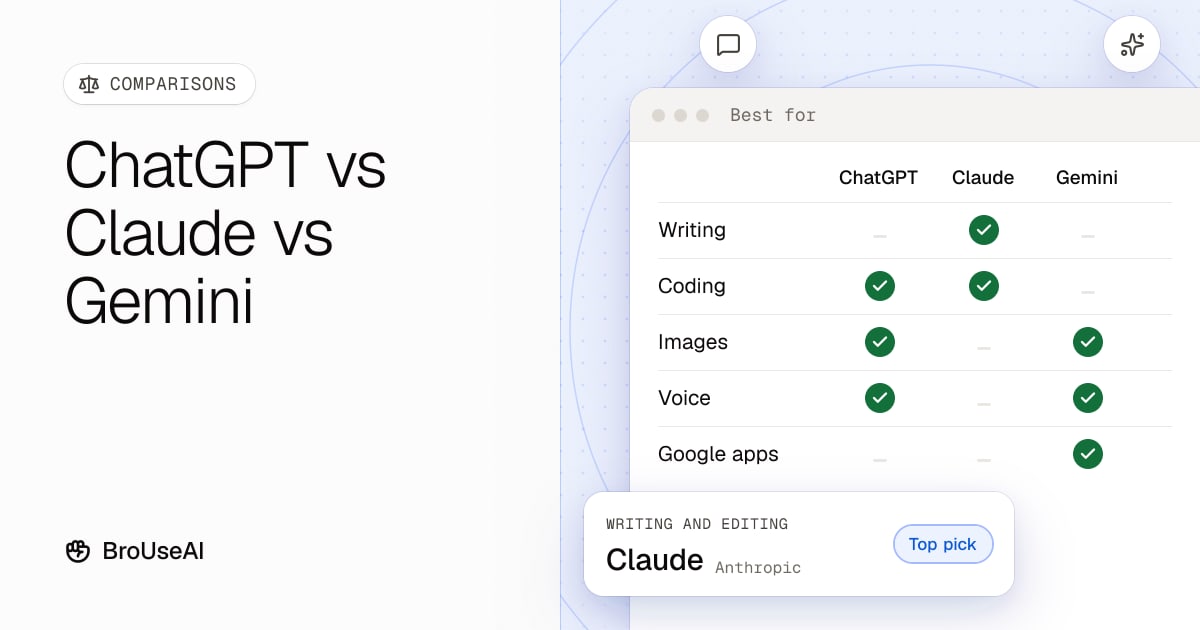
Most jobs can be done either by a general AI assistant, such as ChatGPT, Claude or Gemini, or by a specialist tool built for one task.
- General assistants are flexible and you may already pay for one. They are a good first try for writing, summarising, research and analysis.
- Specialist tools wrap a model in a workflow for one job, with templates, integrations and settings that save time if you do that job every day. Some are thin AI wrappers that add little beyond a nicer interface, so check what you get on top of the model.
A good rule: if a general assistant gets you 80% of the way with a decent prompt, start there. Move to a specialist when the job is frequent, repetitive or needs integrations the assistant doesn't have.
Build a shortlist of two or three tools
Browse the AI tools directory by category and filter by pricing to see what's available. Shortlist two or three tools that clearly cover your job, and skip the rest. More than three and you won't test them properly.
Signs a tool belongs on the shortlist:
- It names your job on its own site, with examples that look like your work.
- It is actively maintained: recent updates, a changelog or release notes, and clear contact details.
- It has a free plan or trial, so you can test before you pay.
Test every tool on your own work
Demos are chosen to look good. Your own material is the only fair test.
- Pick three real tasks from the last week: one easy, one typical and one hard.
- Give each tool the same input and instructions. If you need help writing them, follow our tutorial on writing better AI prompts.
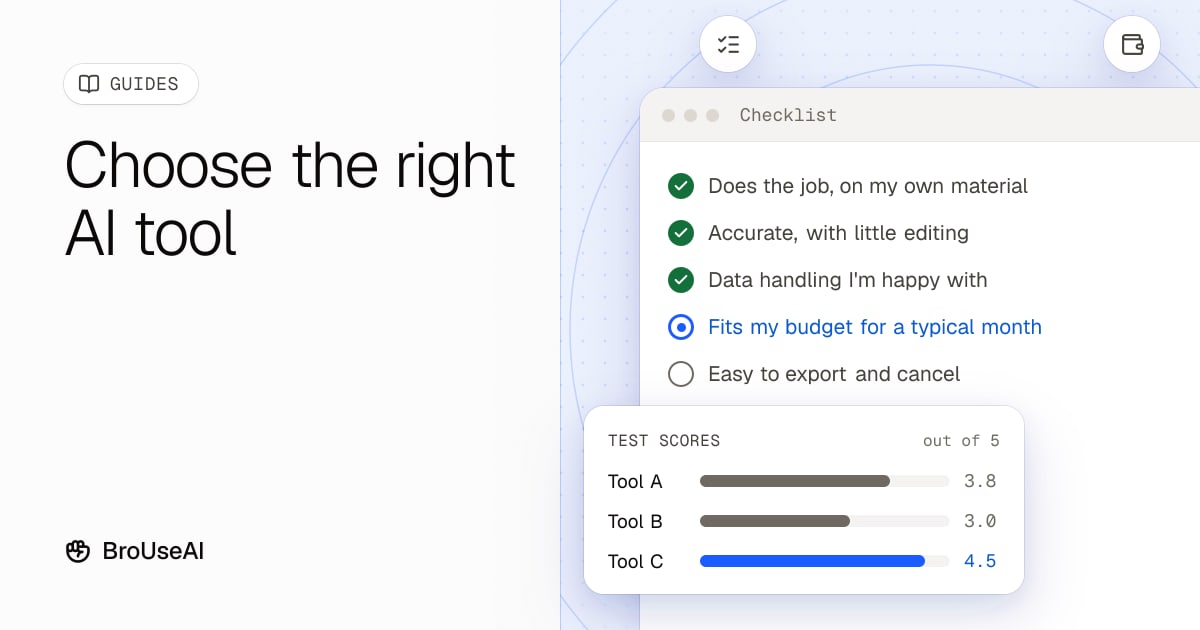
- Score the results from 1 to 5 on accuracy, usefulness and how much editing they needed.
- Check the facts. AI tools can state wrong things confidently, known as hallucinations. Count how many corrections each answer needed.
- Time yourself. The best tool is the one that saves the most time end to end, including the fixing.
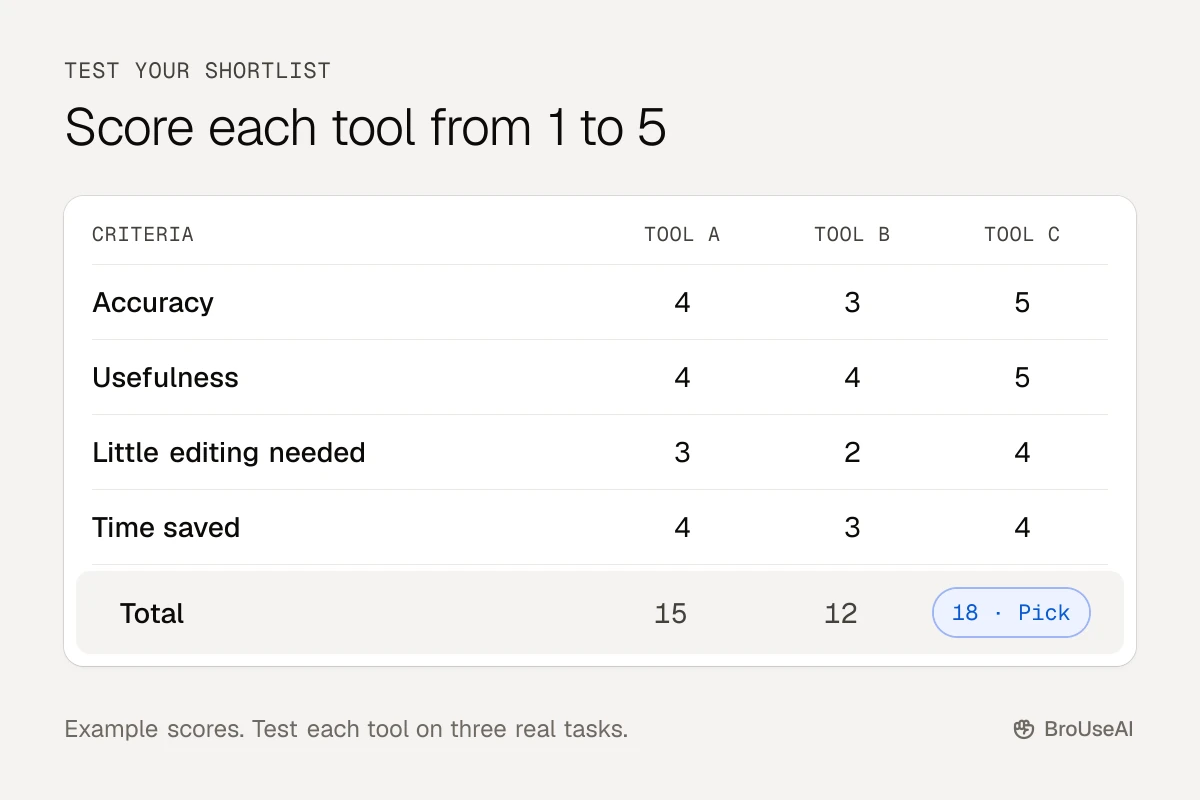
This is a small, informal version of the evaluations AI teams run on models, and it is far more reliable than reading reviews.
Check privacy and data handling
Before you paste anything sensitive into an AI tool, find out what happens to it. Look for these answers in the privacy policy and settings:
- Is your data used to train models? Many tools let you opt out, and business plans often exclude your data by default.
- How long is it kept, and can you delete it?
- Where is it stored and processed? This matters for GDPR and client contracts.
- Who else can see it? Shared workspaces, admins and third-party plugins can all have access.
Read more about AI privacy. If the policy is unclear, keep confidential and personal data out of the tool, or ask your company's IT or legal team first.
Compare pricing honestly
Pricing pages are designed to sell the middle plan. To compare fairly:
| Question | Why it matters |
|---|---|
| What does the free plan really include? | Limits on messages, credits or exports can make it a trial in disguise. |
| How is usage counted? | Credits, tokens, minutes and seats are hard to compare. Work out the cost of your typical month. |
| What happens when you hit the limit? | Some tools slow down, others charge overage or stop working. |
| Is there an annual lock-in? | Annual plans are cheaper but hard to cancel if a better tool appears. |
| Do you already pay for something that does this? | Office suites and design tools increasingly include AI features. |
Every listing in the BroUseAI directory shows whether a tool is free, freemium or paid, so you can filter before you click through.
Think about lock-in and the long term
AI tools change fast, so pick ones you can leave.
- Can you export your work in a standard format such as Markdown, CSV, MP4 or PNG?
- Does it connect to the tools you already use? Integrations save time now and make switching easier later.
- Is the company likely to be around next year? A tool that disappears takes your workflow with it.
Your AI tool checklist
Copy this list and use it for each tool on your shortlist:
- It does the job I wrote down, on my own material
- It scored well on accuracy and needed little editing
- I understand how it handles my data, and that's acceptable
- The plan I need fits my budget for a typical month
- I can export my work and cancel easily
- It works with the tools I already use
The tool that ticks the most boxes, and saves you the most time in the tests, is your answer. Review the decision every six months: the right tool today may not be the right tool next year.
Frequently asked questions
What is the best AI tool?
There is no single best AI tool. The best one is the tool that does your specific job well, on your own material, at a price you're happy with. Test two or three on real tasks and choose the one that saves the most time.
Are free AI tools good enough?
Often, yes. Free plans of general AI assistants handle a lot of everyday writing, summarising and research. Paid plans usually add higher limits, newer models and business features such as admin controls and data protections.
How many AI tools should I use?
As few as possible. Most people do well with one general assistant plus one or two specialist tools for jobs they do every day. Each extra tool adds cost and another place your data lives.