
Overview
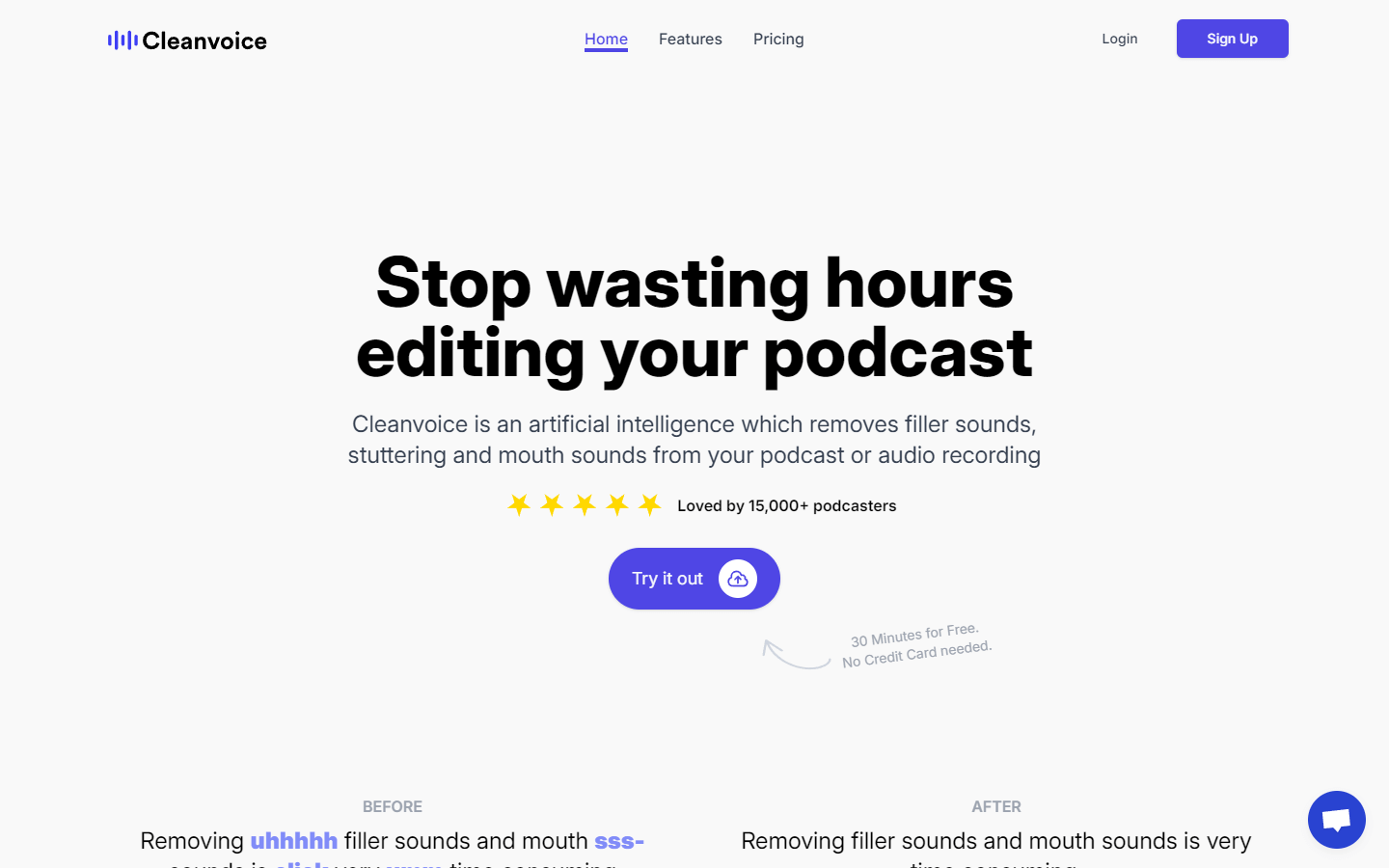
Cleanvoice AI is an artificial intelligence tool designed to enhance the quality of audio recordings by removing unwanted noise. It specifically targets filler words, mouth sounds, stutters, and background noise, leaving behind clear and concise audio. This makes Cleanvoice AI particularly valuable for podcasts, interviews, lectures, and any other situation where professional-sounding audio is desired.
Cleanvoice AI offers several benefits to users. It is easy to use, even for those with no technical expertise. The tool also provides a free trial, allowing users to experiment with its features before committing to a subscription. Additionally, many users have found Cleanvoice AI to be a valuable tool for improving their audio quality, making it a worthwhile investment for those who create or consume audio content regularly.
It is important to note that Cleanvoice AI is a subscription service. However, the free trial allows users to test the tool and see if it meets their needs before subscribing.
Core Features
Removes filler words, mouth sounds, stutters, and background noise from audio recordings.
Shortens silences.
Transcribes podcasts.
Free to use for 30 minutes.
Use Cases
Removing filler words, such as "um," "ah," and "like" from presentations, lectures, and other spoken-word recordings to make them sound more professional and polished.
Removing mouth sounds, such as clicks, lip smacking, and stuttering from interviews, podcasts, and other recordings to make them more clear and easy to listen to.
Removing background noise from recordings made in noisy environments, such as cafes, streets, or airplanes.
Shortening silences between sentences or paragraphs in recordings to make them more concise and engaging.
Transcribing podcasts to create text versions of the audio that can be easily searched and shared.
Mixing podcasts to add intro music, outro music, and other audio elements.
Editing podcasts to remove unwanted sections, such as dead air or mistakes.
Cleaning up audio for videos to remove background noise, mouth sounds, and other unwanted sounds.
Removing unwanted sounds from interviews such as coughs, laughter, or phone notifications.
Creating high-quality audio for podcasts and videos by using a combination of Cleanvoice AI's features to remove noise, improve clarity, and add polish.
Pros & Cons
Pros
Removes filler words, mouth sounds, stutters, and background noise from audio recordings.
Shortens silences and transcribes podcasts.
Easy to use, even for those with no technical expertise.
Free to use for 30 minutes.
Many users have found it to be a valuable tool for improving audio quality.
Cons
Subscription service.
May not be perfect for all audio recordings, especially those with complex noise or music.
Some users have found the output to sound unnatural.
Limited free trial.
FAQs
Cleanvoice AI Alternatives

Descript
All-in-one video & podcast editing, easy as a doc.

Adobe Podcast
AI-powered audio tools that elevate your voice

TubeOnAI
TubeOnAI: Quick summaries and transcriptions of your favorite videos, podcasts, articles, and web pages.

Podcastle
Podcasting made easy
Featured

Referent
AI legal agents for law firm operations

CommentWatchDog
Hide and delete spam comments on Facebook and Instagram ads

AI Image Humanizer
Humanize AI-generated images while preserving their visible appearance

RemoveAILabel
Remove AI labels and watermark traces from images and videos

Adobe Firefly Background Remover
AI tool that removes photo backgrounds and outputs a transparent PNG — free to use.

C2PA Remover
Check and remove C2PA content credentials

AI Overviews Tracker
Track website mentions and citations across six AI engines

Answer Engine Optimization
See how AI answer engines mention and cite your website.

Genjutsu
Transform one video into endless variations with AI.

Claude Mark Remover
Remove hidden Claude marks and humanize AI-generated text.

WasItAI
Detect whether an image was AI-generated or camera-captured.

Token360
One API for 80+ frontier AI models across text, image, audio and video.