Wondershare Repairit
AI-powered data repair for videos, photos, audio, and files in minutes.
Overview
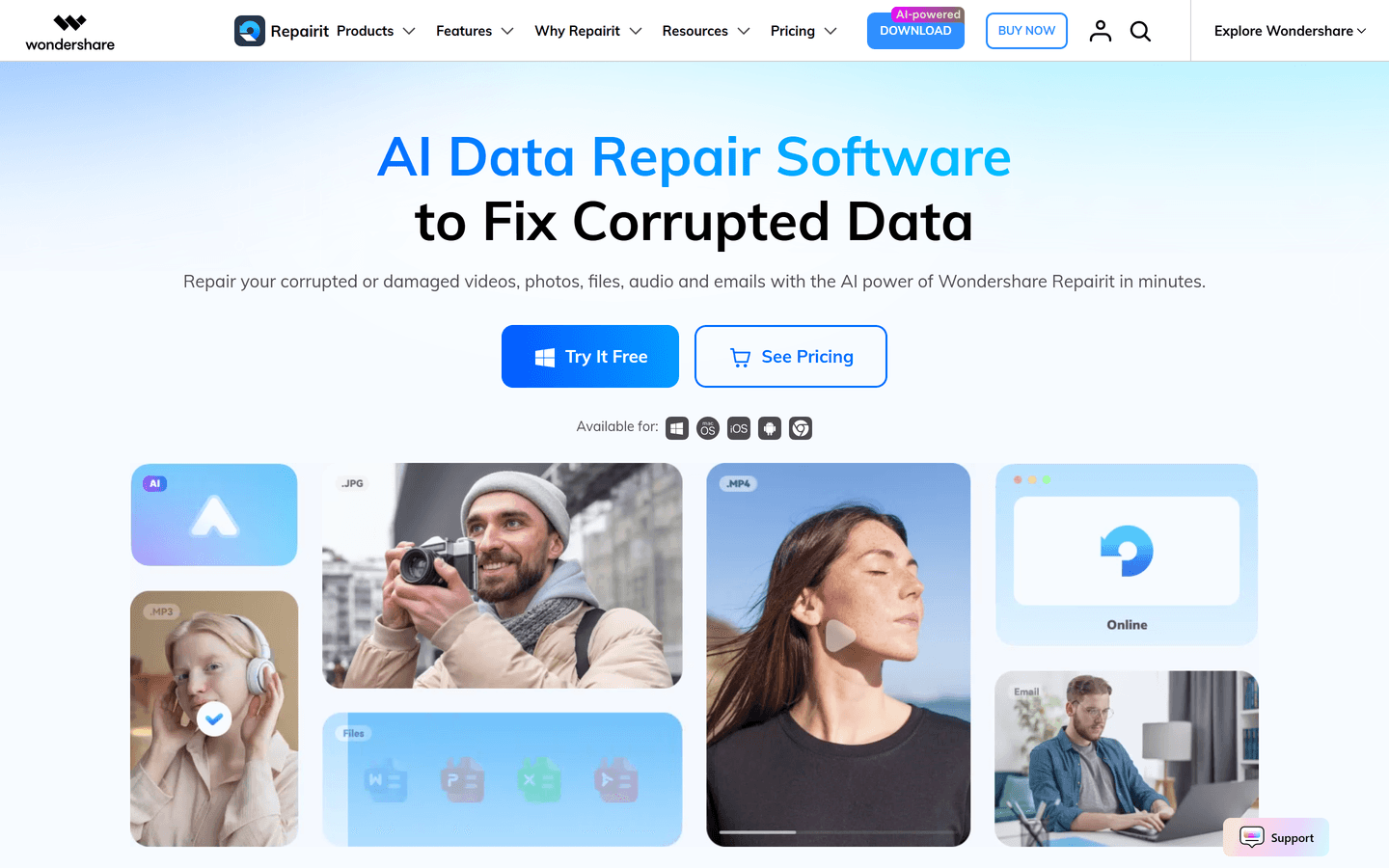
Wondershare Repairit is a powerful, AI-driven data repair solution designed to recover and enhance corrupted or unopenable digital assets. Fully compatible with Windows and macOS, it seamlessly repairs broken videos, photos, audio tracks, and office documents (including ZIP archives) caused by recording mishaps, transfer failures, system crashes, or virus infections.
With its advanced deep learning algorithms, Repairit goes beyond standard file fixing. It provides tailored optimization for major camera brands, intelligent face restoration, and automatic old photo colorization, ensuring high-definition results with industry-leading precision.
Pros:
Advanced AI Restoration: Exceptional capability in restoring severely damaged 8K/4K videos, old photo scratches, and blurred faces.
Blueprint-based Advanced Repair: Allows users to upload a working sample file from the same device to perfectly reconstruct heavily broken data structures.
Comprehensive Format Support: One-stop solution for videos, photos, office documents (Word, Excel, PowerPoint, PDF), and audio files.
Free Previews: Offers a 100% free scan and live rendering preview of the repaired file prior to purchase.
Data Privacy: Local desktop processing guarantees that your sensitive files or private corporate data never leave your local machine.
Cons:
Sample File Dependency: The Advanced Repair mode requires an uncorrupted sample file from the exact same device for optimal success rates.
Export Limitations: The free tier only allows full-quality previewing; saving and exporting the repaired files requires a paid subscription.
Core Features
AI Video Repair: Fixes playback issues like stuttering, flickering, and sync errors in videos up to 8K. Supports major camera brands (Sony, Canon, GoPro, DJI).
Advanced Repair Mode: Reconstructs heavily corrupted or unopenable file headers and metadata structures using an intact sample file as a blueprint.
AI Photo Enhancement & Colorization: Automatically detects facial details for reconstruction, removes scratches/noise, and provides authentic one-click colorization for vintage photographs.
Multi-Format Document Recovery: Resolves garbled text, formatting errors, and opening failures for Word, Excel, PDF, and PowerPoint files to protect data integrity.
Intelligent Audio Repair: Detects and eliminates background noise and abnormal frequencies while repairing damaged audio file headers.
Use Cases
Fixing Recording & Camera Accidents: Instantly restores vital footage when sudden power failures, drone crashes, or SD card corruptions render videos unwatchable.
Reviving Old Family Memories: Utilizes generative AI to fix physical scratches, colorize black-and-white portraits, and sharpen blurred faces in vintage family photos.
Emergency Business Document Recovery: Salvages corrupted office documents and PDFs caused by unexpected system crashes, network fluctuations, or malware attacks to keep workflows on track.
Resolving File Transfer Failures: Repairs file header damage caused by interrupted cross-platform transfers or cloud upload timeouts, making files accessible again.
Pros & Cons
Pros
- AI automation reduces manual repair steps
- Wide format support across media and documents
- Batch repair boosts workflow efficiency
- Preview lets you verify results before saving
- Advanced Repair for severely corrupted files
- Integrated photo and video enhancers
- Intuitive interface for nontechnical users
- Local processing preserves file privacy
- Patented algorithms improve recovery rates
- Detailed tutorials and help resources
Cons
- Advanced Repair may require reference files
- Performance depends on local hardware
- Some severe corruption may be unrecoverable
- Free tier limits exported file sizes
- No guaranteed recovery for physically damaged drives
- Large batch jobs consume disk space
FAQs
Video Review
Wondershare Repairit Alternatives

Databar.ai
Hundreds of data providers under one roof

Webscrape AI
Automate Your Data Collection With No-Code

Lium
AI for Complex Data

Answer Engine Optimization
See how AI answer engines mention and cite your website.

Wondershare Recoverit AI Data Recovery
AI recovery, AI data recovery, AI video recovery, AI video repair, AI photo recovery, AI photo repair

Wondershare Dr.Fone
Your One-Stop Complete Mobile Solution

Claude Mark Remover
Remove hidden Claude marks and humanize AI-generated text.

C2PA Remover
Check and remove C2PA content credentials
Featured

AI Image Humanizer
Humanize AI-generated images while preserving their visible appearance

Zawa
AI Branding Design Agent

Token360
One API for 80+ frontier AI models across text, image, audio and video.

Referent
AI legal agents for law firm operations
C2PA Remover
Check and remove C2PA content credentials
Wondershare Dr.Fone
Your One-Stop Complete Mobile Solution
Claude Mark Remover
Remove hidden Claude marks and humanize AI-generated text.
Wondershare Repairit
AI-powered data repair for videos, photos, audio, and files in minutes.

CommentWatchDog
Hide and delete spam comments on Facebook and Instagram ads

WasItAI
Detect whether an image was AI-generated or camera-captured.
Answer Engine Optimization
See how AI answer engines mention and cite your website.

RemoveAILabel
Remove AI labels and watermark traces from images and videos

Vmake
AI Social Video Studio